 Hey Mac
Lock Mac Apps With Your FACE?! | Face Unlock for Mac
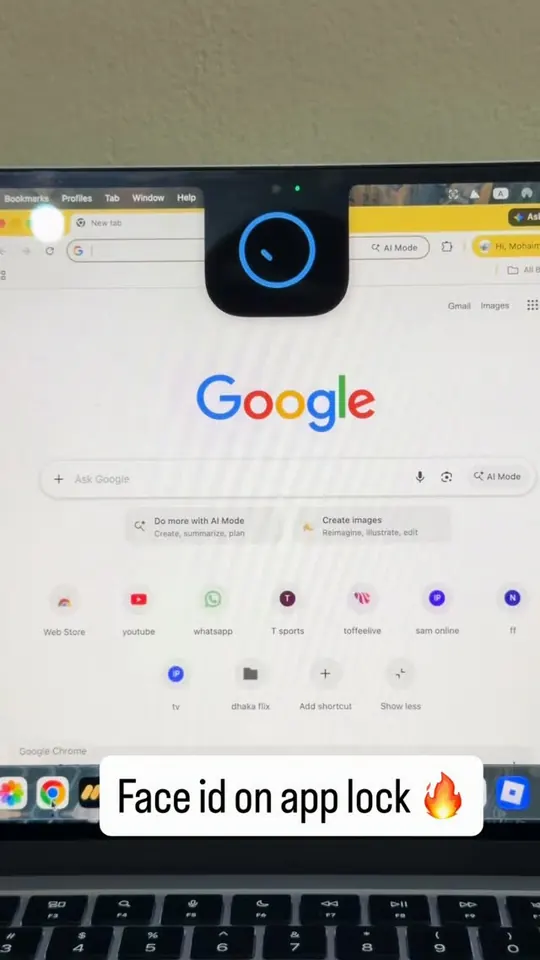
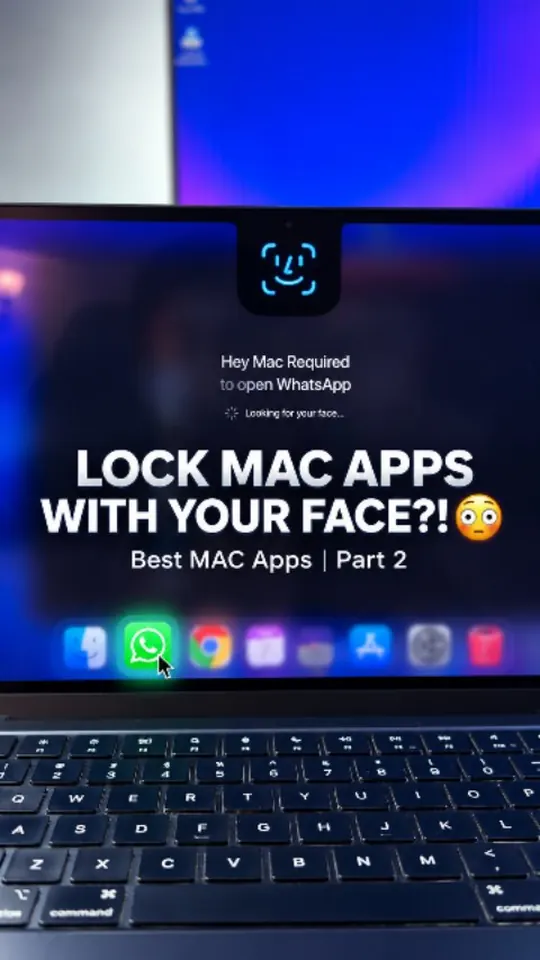
Watch on YouTube“You can actually unlock your Mac AND lock individual Mac apps using facial recognition.”
Creators trying Hey Mac, the free face unlock and app lock for Mac, on their own Macs. Plus the maker's notes on how it was built.
Watch on YouTube“You can actually unlock your Mac AND lock individual Mac apps using facial recognition.”
Watch on Instagram“Unlock your MacBook app with Face ID. An advanced version of Glance with both Device Lock and App Lock using Face ID.”
Watch on Instagram“Face Unlock on Mac was already cool… but this takes it a step further. This app lets you unlock your Mac using your face AND lock individual apps like WhatsApp, Photos, Notes, and more.”
135.2K views in total. Counts from YouTube and Instagram as of .
Where Harshit first shared Hey Mac, and what people asked.
The actual face detection part wasn't the most interesting bit. Getting the whole thing to behave nicely on macOS, dealing with false matches, camera availability, authentication, etc. was where most of the fun was.
“Very cool. How does it compare to normal Face ID on iPhone?”
u/dottybotty on Reddit
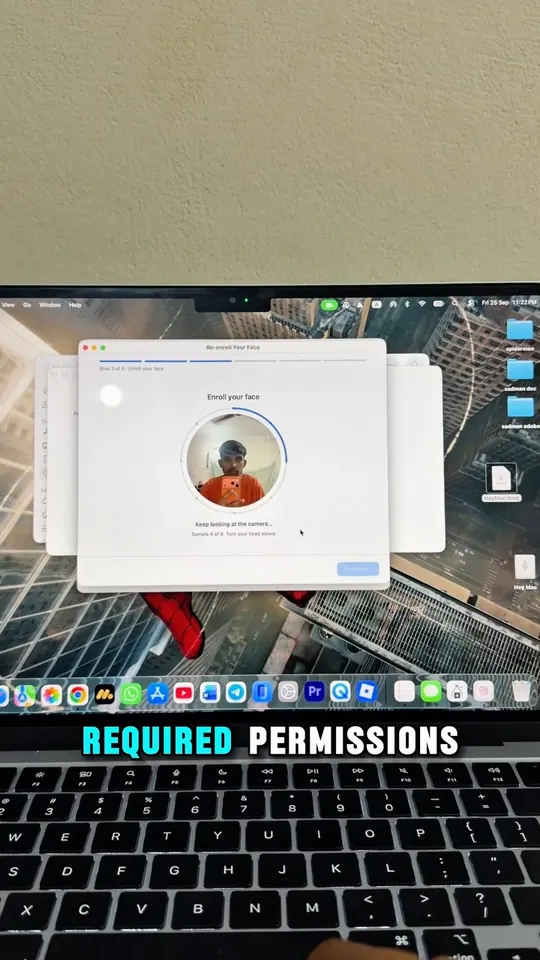
I wanted my Mac to recognize me when I sat down in front of it, similar to how Face ID works on iPhone. So I ended up making HeyMac, an open-source project for face-based Mac unlocking and app protection.
Hey Mac unlocks your Mac with your face and blurs chosen apps until you prove it's you. It's free, MIT-licensed and written in Swift.
Free and open source. macOS 14+ on Apple silicon.
Made a video about Hey Mac? Tag @HarshitMaurya_ on X